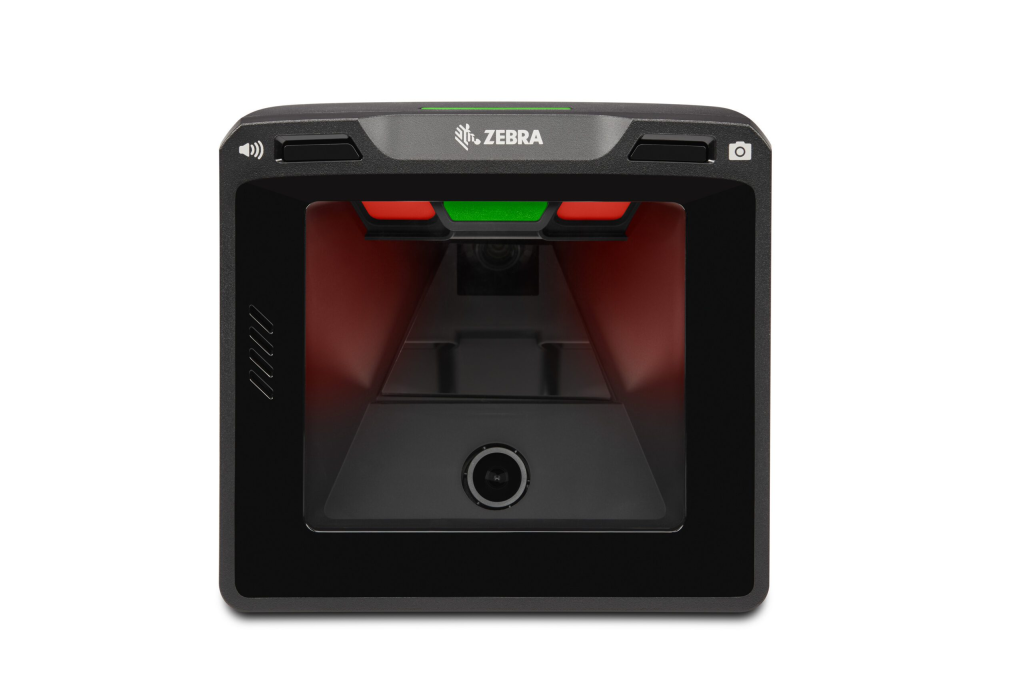
In today’s fast-paced digital workplaces and classrooms, manual file sharing is quickly becoming outdated. Passing around printed documents, emailing large attachments, or transferring files via USB drives not only wastes time but also increases the risk of errors and data loss. Fortunately, smart presentation scanners are transforming how organizations capture, share, and present information.
If you’re looking to streamline document workflows, improve collaboration, and eliminate inefficient manual processes, it’s time to explore how presentation scanners can revolutionize your operations.
What Are Smart Presentation Scanners?
Smart presentation scanners are advanced document capture devices designed to scan, display, and instantly share documents, images, and objects in real time. Unlike traditional flatbed scanners, these devices often feature flexible arms, high-resolution cameras, built-in software tools, and direct connectivity to computers, interactive displays, and cloud platforms.
Modern devices such as the AVerVision M17-13M and the Epson DC-13 are widely used in classrooms, boardrooms, and training centers for seamless document sharing and live presentations.
These smart solutions eliminate the need for repeated printing, manual emailing, or physically distributing materials—making file sharing faster and more efficient than ever before.
The Problem with Manual File Sharing
Before understanding the benefits, let’s look at the common issues with traditional file-sharing methods:
- Time-consuming scanning and emailing
- Lost USB drives or corrupted files
- Version control confusion
- Delayed collaboration
- Security risks from uncontrolled file transfers
Manual file handling slows productivity and creates unnecessary friction in communication. In environments where speed and accuracy matter—such as education, corporate training, retail operations, and healthcare—these inefficiencies can impact overall performance.
How Smart Presentation Scanners Solve These Challenges
- Instant Digital Capture and Sharing
With a smart presentation scanner, documents are captured in real time and instantly displayed on large screens, projectors, or shared via video conferencing platforms. This eliminates repetitive scanning and uploading steps.
For example, when connected to tools like Microsoft Teams or Zoom, documents can be streamed live during meetings or classes, ensuring everyone sees the same content simultaneously. - Seamless Integration with Modern Workspaces
Smart scanners integrate easily with:
> Interactive flat panels
> Projectors
> Learning management systems
> Cloud storage platforms
> Hybrid meeting setups
This makes them ideal for hybrid work environments and smart classrooms. Instead of manually transferring files, users can scan and upload directly to shared drives or cloud storage in seconds. - Improved Collaboration and Engagement
In classrooms, teachers can display textbooks, handwritten notes, or 3D objects in real time without preparing digital copies in advance. This makes lessons more interactive and engaging.
In business settings, teams can quickly present contracts, charts, prototypes, or physical documents during discussions. No waiting. No email chains. No confusion.
By reducing technical interruptions, smart presentation scanners keep meetings productive and focused. - High-Resolution Clarity
Modern presentation scanners offer Full HD or even 4K resolution imaging, ensuring that text, diagrams, and small details are clearly visible—even on large displays.
This is especially valuable in:
> Engineering and design presentations
> Medical training
> Legal documentation reviews
> Retail product demonstrations
High-quality visuals eliminate misunderstandings caused by poor image clarity. - Built-In Annotation and Recording Features
Many smart presentation scanners include:
> On-screen annotation tools
> Snapshot capture
> One-touch recording
> Image enhancement features
Presenters can highlight key points, draw over documents, and record sessions for later review—without additional software.
This feature is particularly useful in training programs, remote education, and product demonstrations where sessions need to be archived. - Reduced Paper Usage and Environmental Impact
Switching from manual paper-based sharing to digital presentation scanning reduces:
> Paper consumption
> Printing costs
> Physical storage needs
> Waste
Organizations looking to improve sustainability efforts can significantly reduce their carbon footprint by adopting digital document workflows.
Use Cases Across Industries
Education Sector
Smart presentation scanners are ideal for:
- Hybrid learning environments
- Interactive classroom teaching
- Recording lectures
- Live demonstrations
Teachers can quickly scan assignments, showcase student work, or explain complex diagrams in real time.
Corporate Offices
In business environments, these scanners improve:
- Team collaboration
- Document review meetings
- Client presentations
- Training sessions
They eliminate delays caused by manual file transfers and enhance professional communication.
Retail and Customer Experience Centers
Retail businesses can use presentation scanners to:
- Showcase product catalogs
- Demonstrate physical product features
- Digitize paperwork instantly
- Improve in-store customer engagement
This creates a smoother, more interactive buying experience.
Key Features to Look For in a Smart Presentation Scanner
When choosing a presentation scanner, consider:
- High-resolution camera (Full HD or higher)
- Flexible adjustable arm
- USB and HDMI connectivity
- Cloud integration support
- Annotation and recording tools
- Compact, foldable design
- Compatibility with video conferencing platforms
Selecting the right device ensures you maximize efficiency and long-term value.
The Future of Digital File Sharing
As workplaces and educational institutions continue shifting toward digital-first environments, smart presentation scanners are becoming essential tools rather than optional accessories.
They bridge the gap between physical documents and digital collaboration—making file sharing instantaneous, secure, and hassle-free.
Manual processes are prone to delays, errors, and inefficiencies. Smart scanning technology eliminates these issues while enhancing engagement, productivity, and workflow automation.
Conclusion: Upgrade from Manual to Smart
If your organization still relies on USB drives, printed copies, or repetitive email attachments, it’s time to upgrade. Smart presentation scanners provide a faster, cleaner, and more professional way to capture and share information.
By investing in modern presentation technology, businesses and educational institutions can:
- Save time
- Improve collaboration
- Enhance presentation quality
- Reduce operational costs
- Support hybrid and remote environments
Say goodbye to manual file sharing—and embrace smarter, faster, and more connected document management solutions.

Leave a Reply